Smart input, voice drafts and keyboard effects
Preview one demonstrates voice and text input, email expression controls, Emoji rewriting, multilingual translation and keyboard effects.
Watch and read the description →
AI キーボード · iPhone / iPad / Mac
NanoMouse は iPhone・iPad 向けの Rime・AIキーボードと Mac 用ワークスペースです。ローカル入力補正、音声からの文章作成、推敲、多言語翻訳に加え、Byte Paste で定型文、プロンプト、画像、ファイルを保存・同期して再利用できます。
NanoMouse · 2026.11
NanoMouse is a Rime and AI keyboard for iPhone and iPad, with a companion Mac workspace. It connects local input and correction, voice drafts, rewriting, translation, Byte Paste, cross-device clipboard workflows and creative material.
Preview one demonstrates voice and text input, email expression controls, Emoji rewriting, multilingual translation and keyboard effects.
Watch and read the description →Preview two shows target-language choices, translating copied foreign-language messages, sequential snippet reuse and privacy-related screens.
Watch and read the description →Preview three demonstrates copying, receiving and pasting between sample devices with different Apple IDs, plus cipher tools and the Morse keyboard.
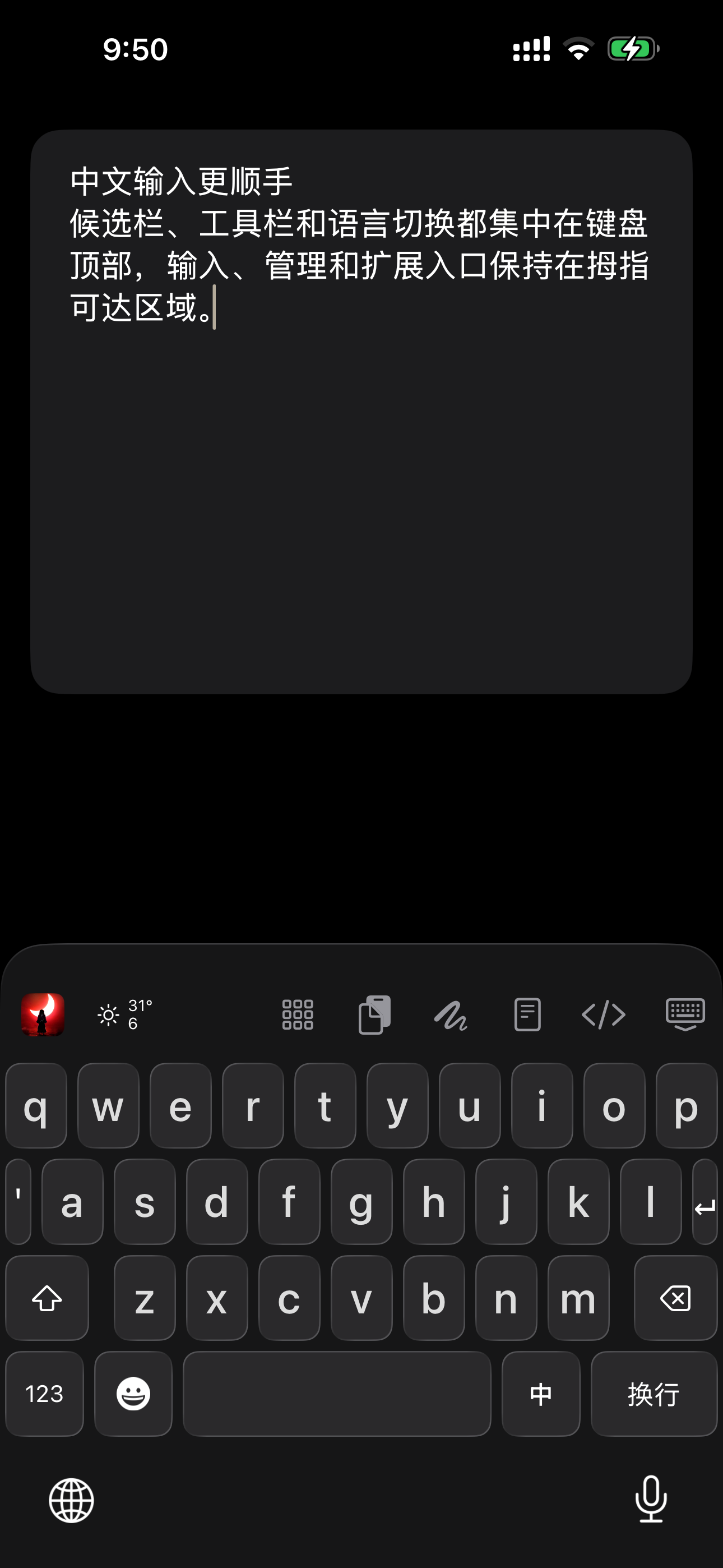
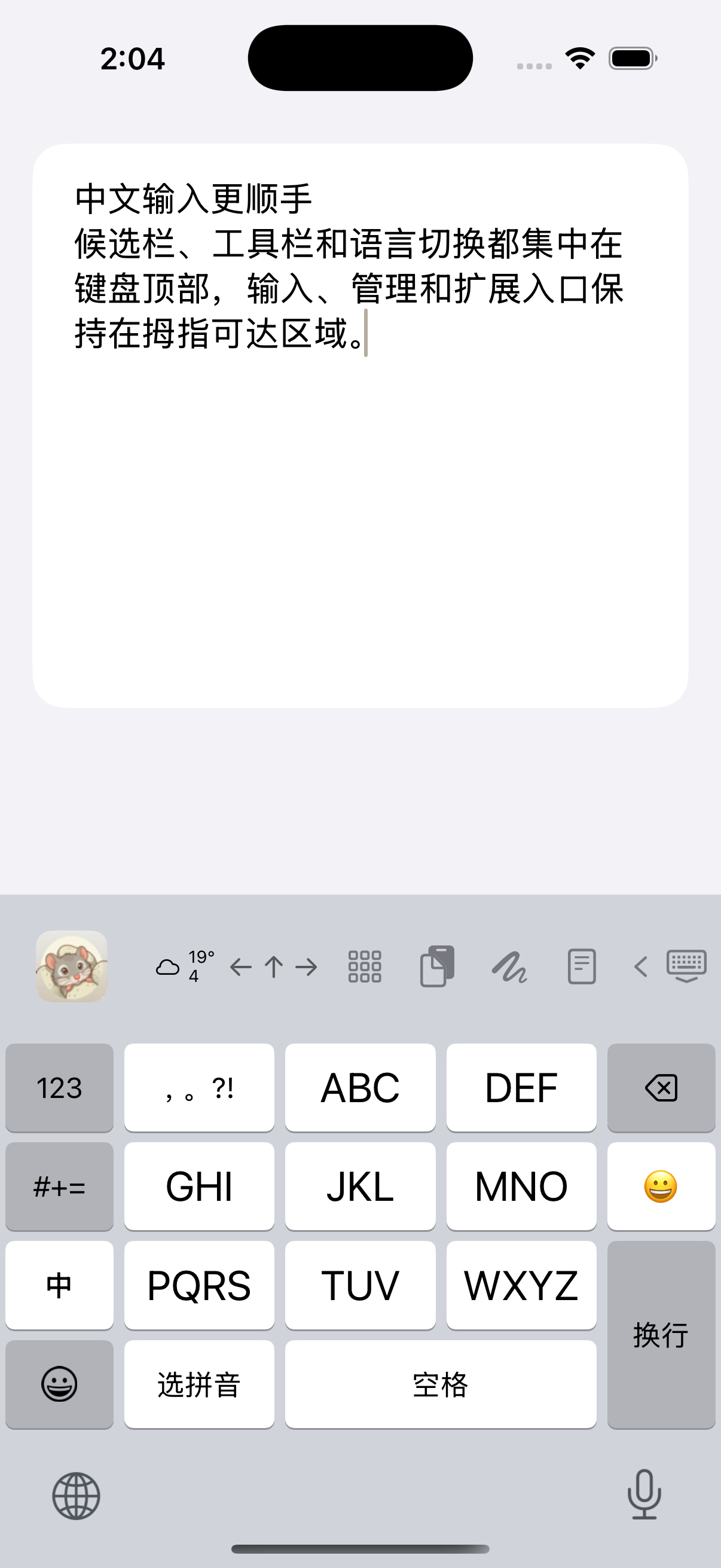
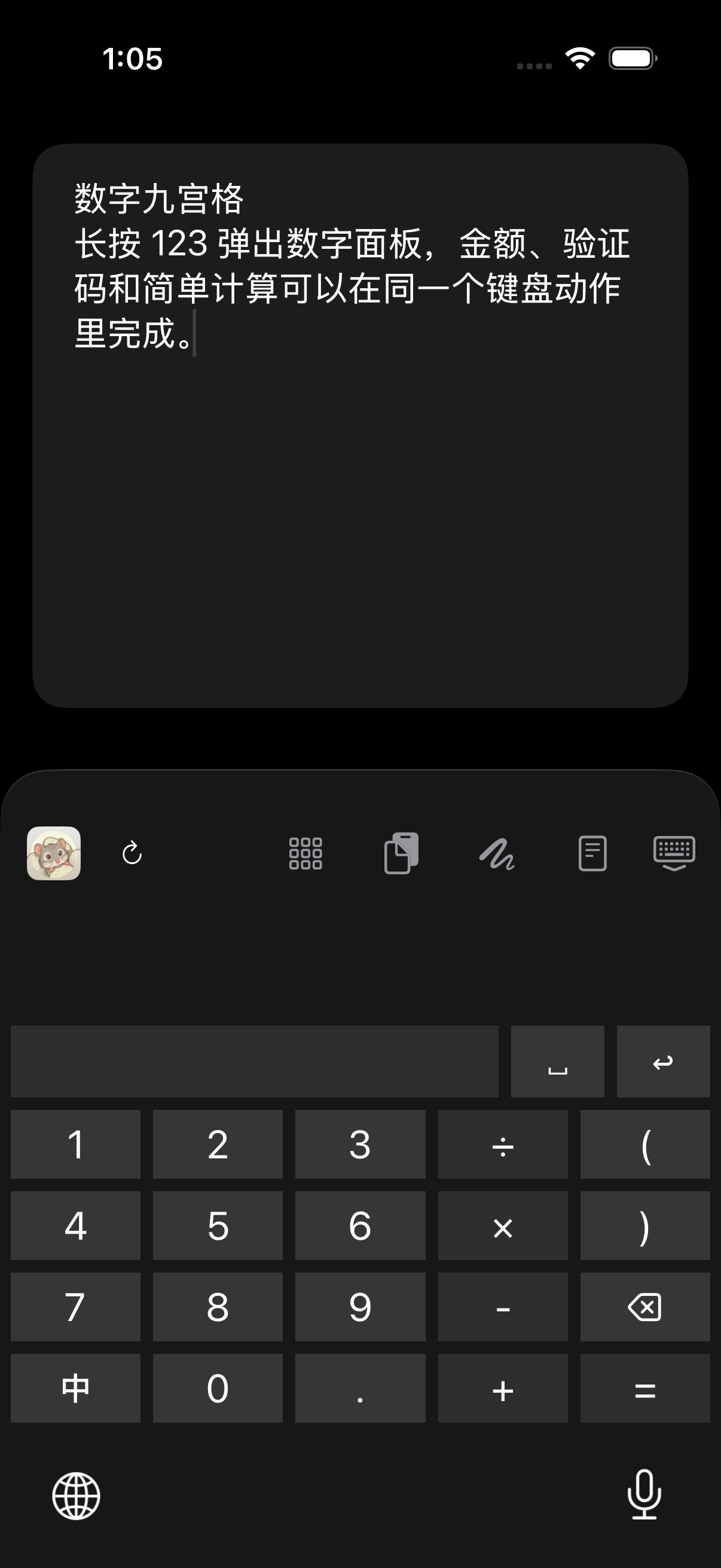
Watch and read the description →NanoMouse combines Rime Pinyin and Double Pinyin, Chinese 26-key and 9-key layouts, Chinese/Japanese/English input, local correction and customizable keyboard appearance on iPhone and iPad.
Rewrite and extend drafts, control length, formality, tone, emotion, Emoji and structure, and use candidate or multi-target translation within a NanoMouse input workflow.
NanoMouse offers speech-to-text and cleanup, two-way conversation translation, and text-to-speech creation with voice selection and multi-speaker dialogue.
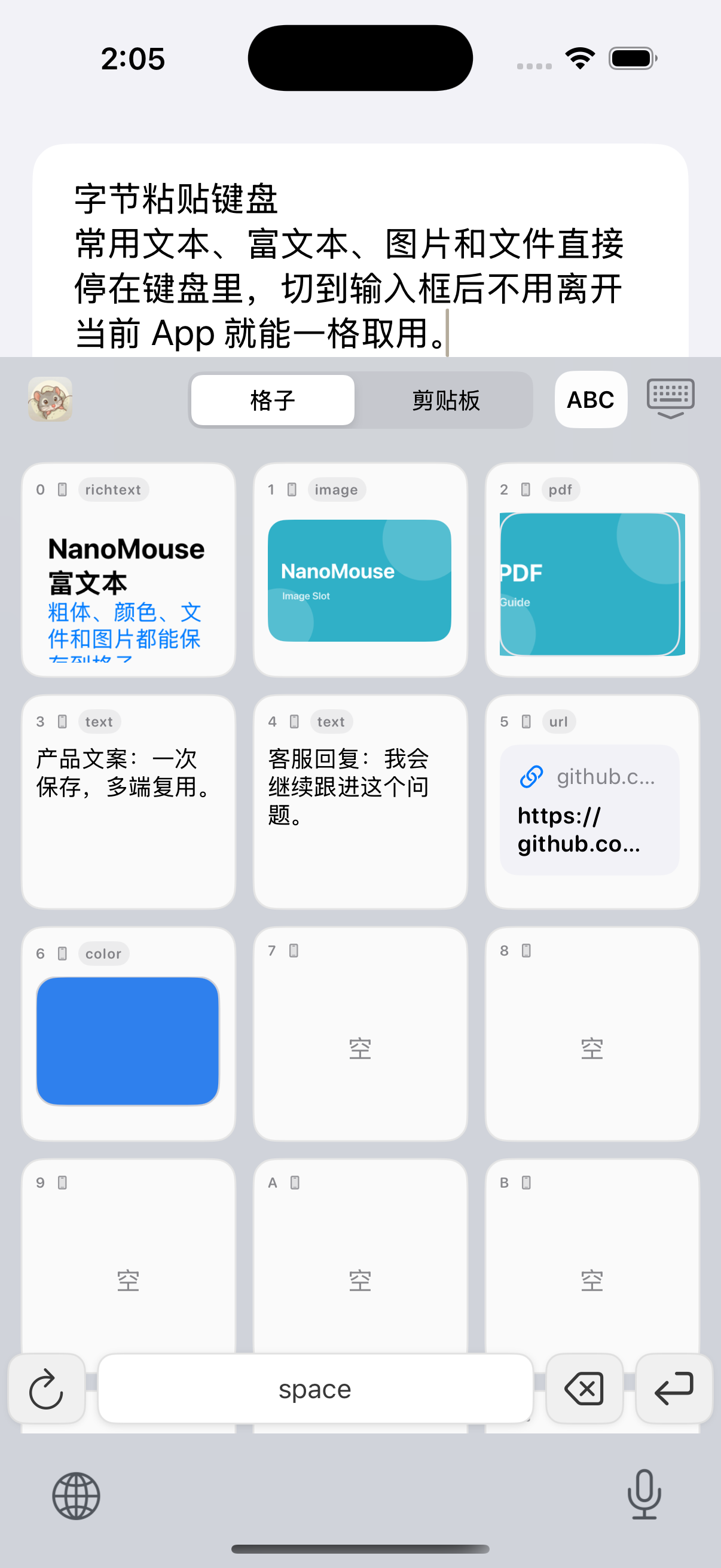
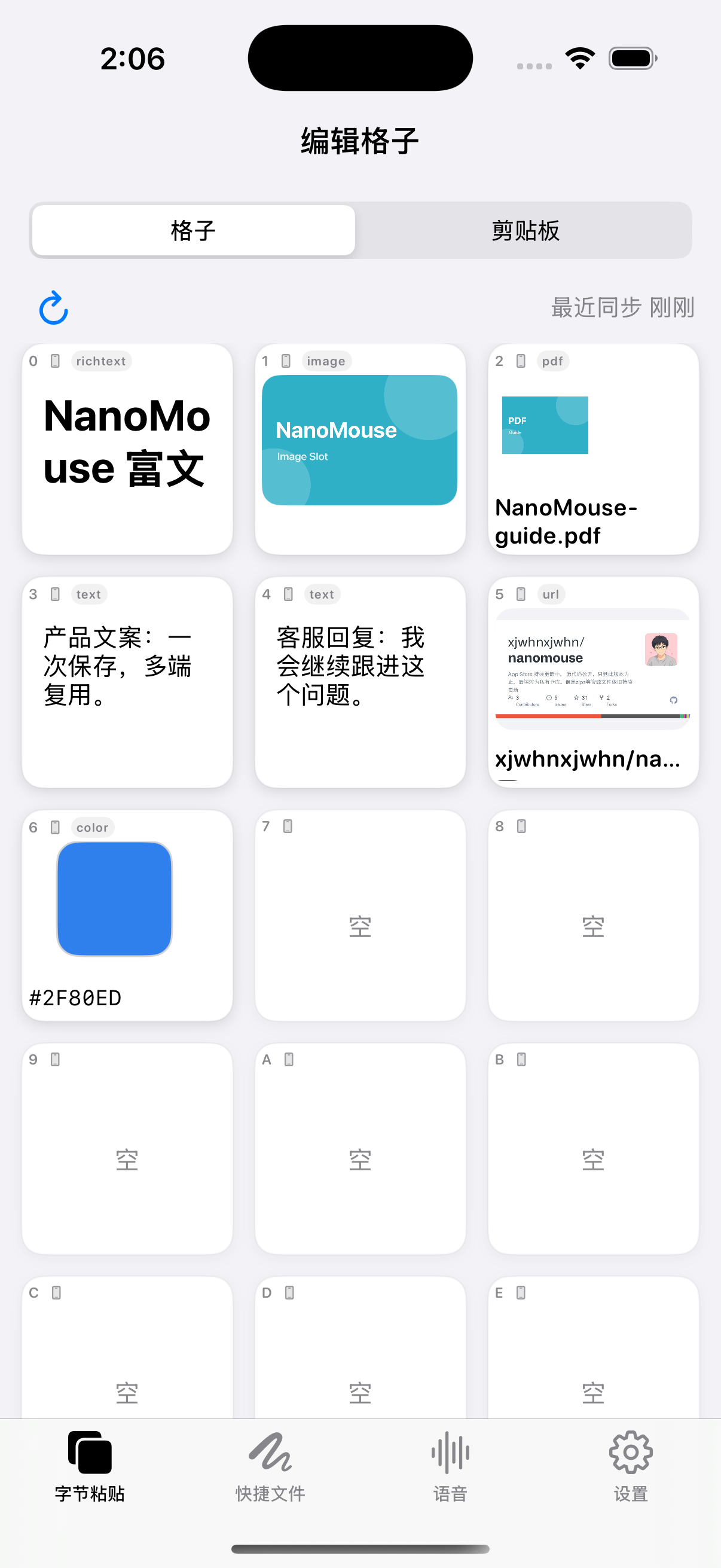
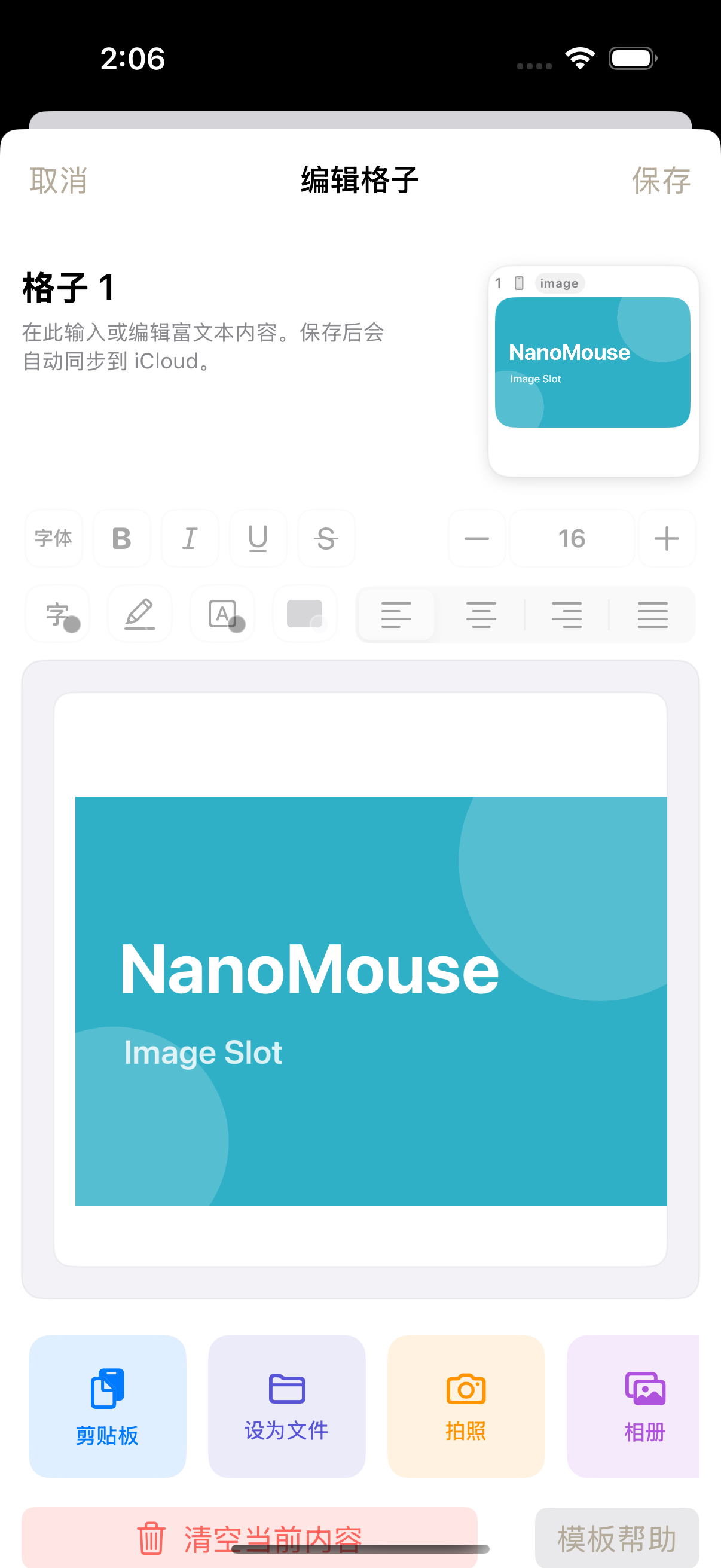
Store reusable text, AI prompts, rich text, images, links, PDFs and files in NanoMouse cells, then reuse them from the main app, Mac and keyboard.
NanoMouse separates local clipboard history, same-account iCloud synchronization and invitation-based clipboard channels between different Apple IDs.
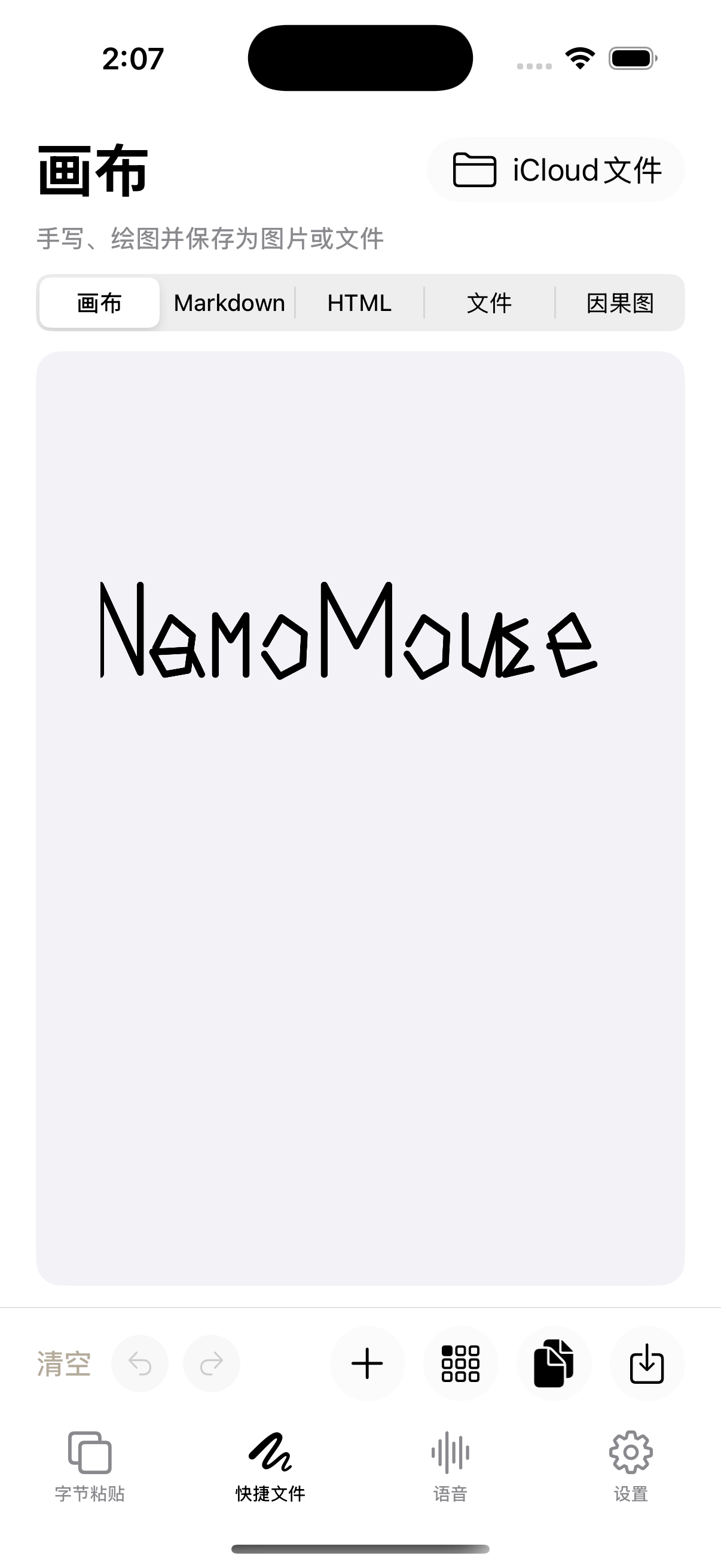
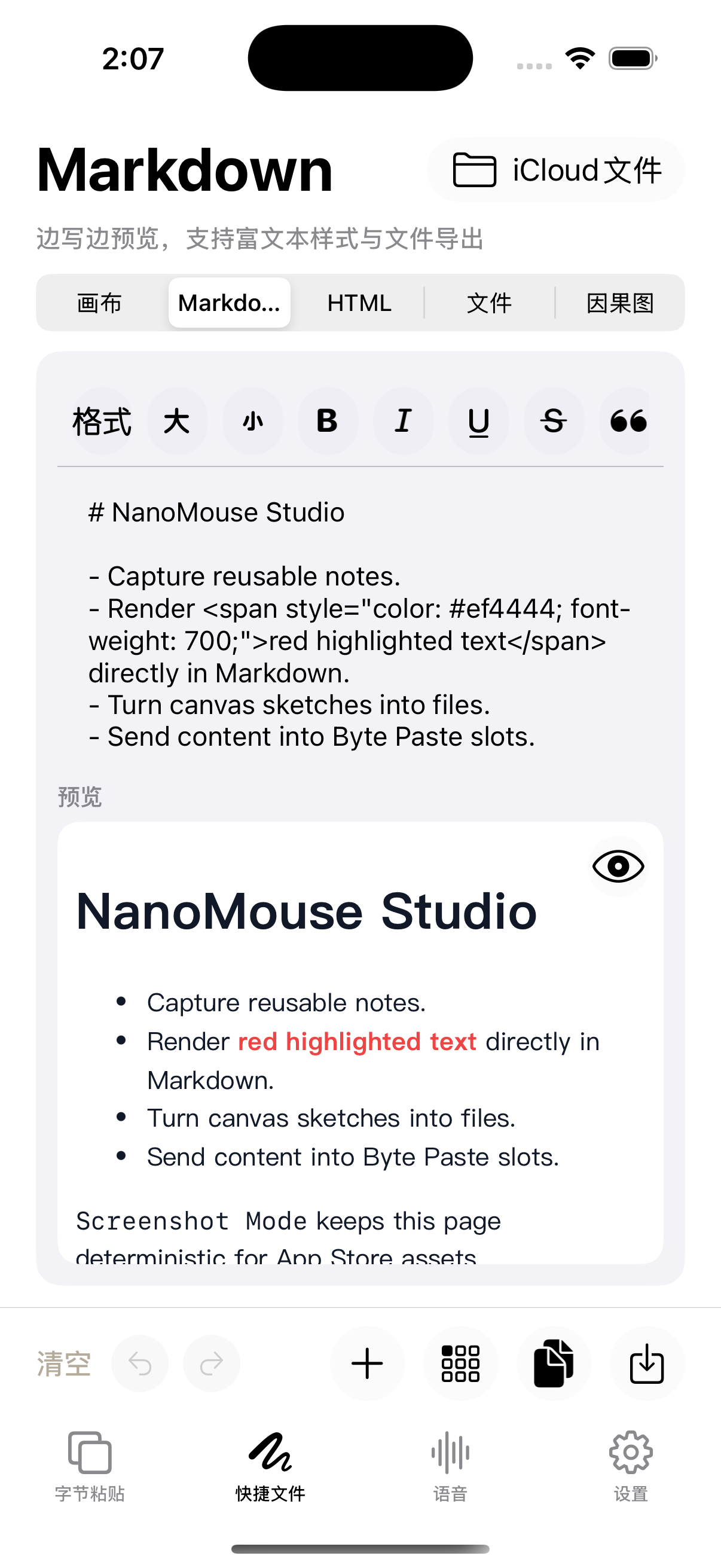
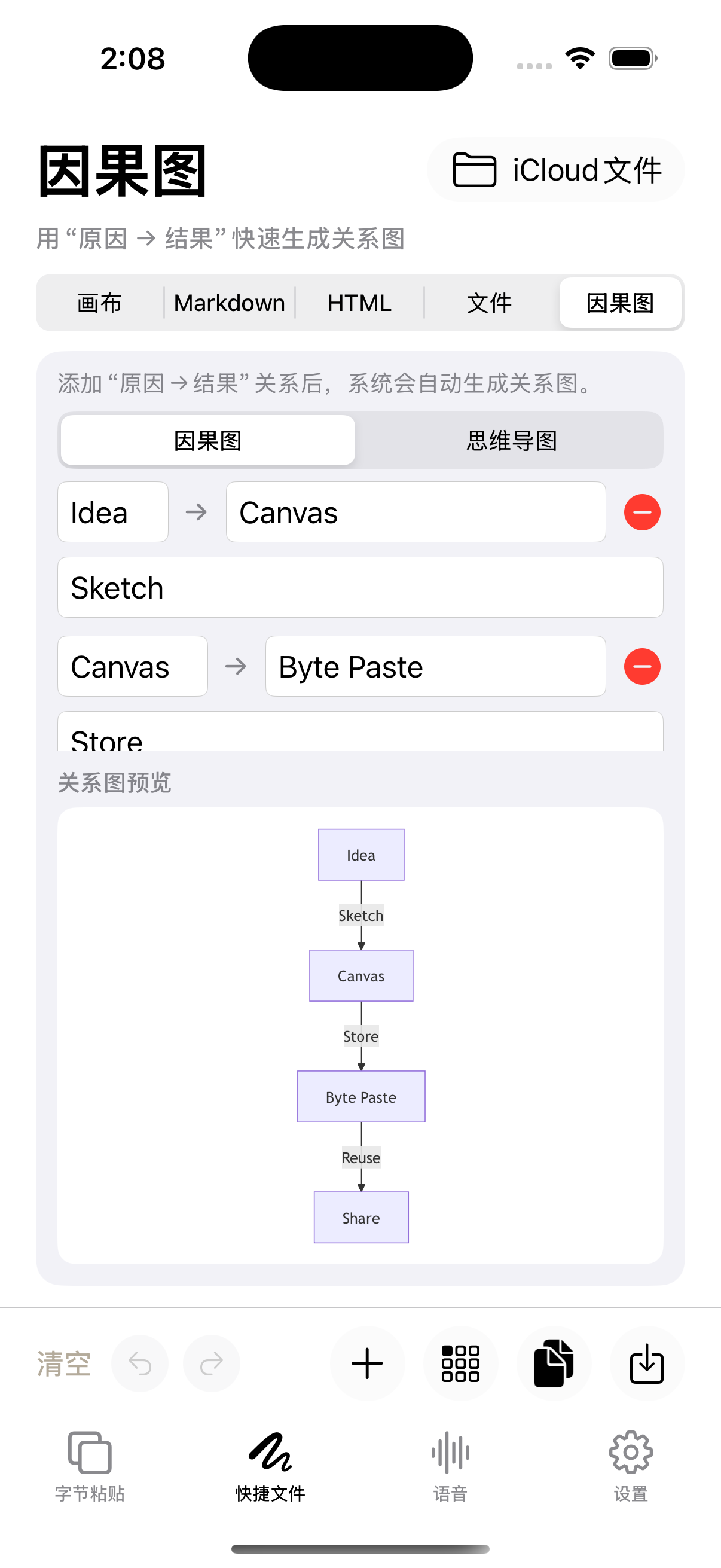
NanoMouse connects Markdown, handwritten canvases, HTML, causal diagrams, mind maps and diaries to a reusable input workspace.
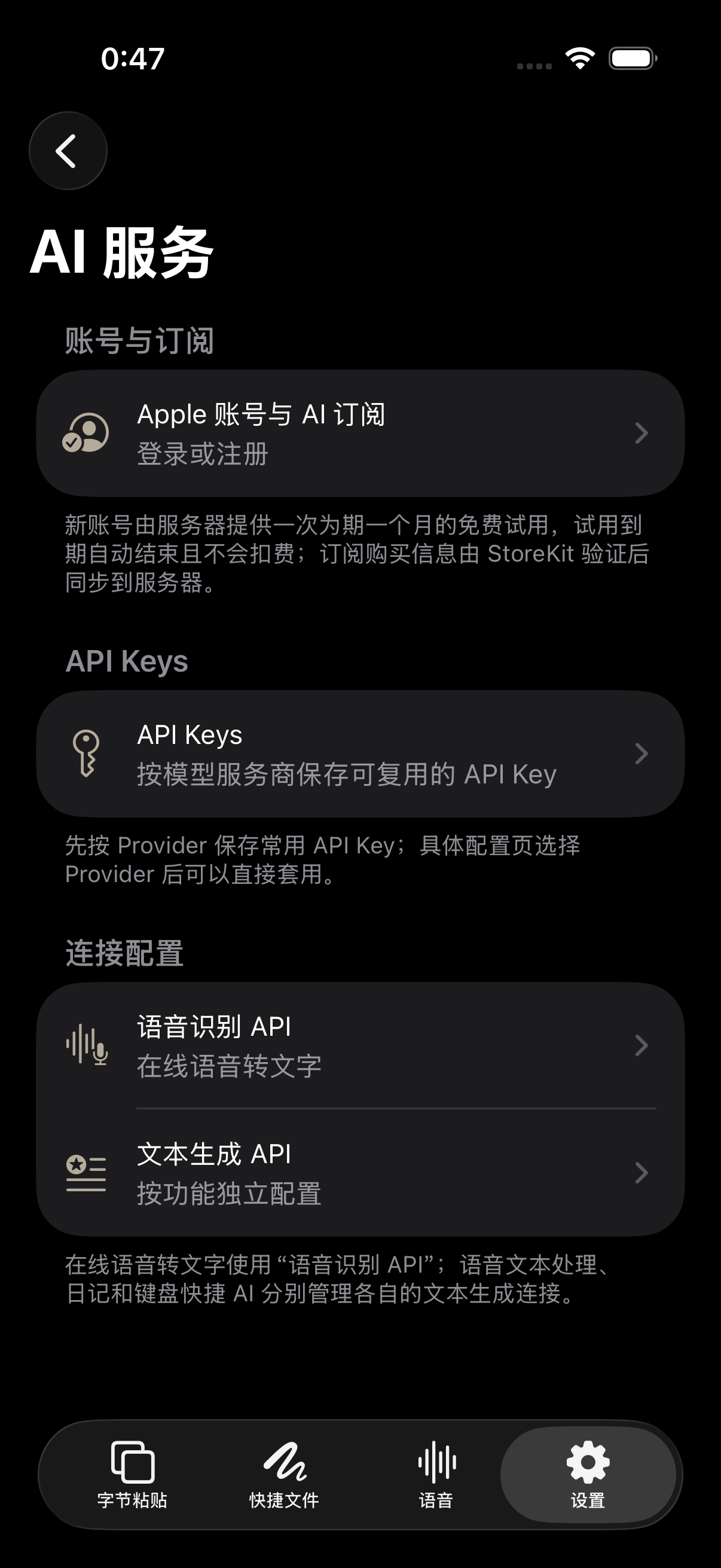
Local typing, local correction, iCloud sync and cloud AI are separate NanoMouse data paths. Free accounts receive seven daily cloud AI requests; paid subscribers use a subscription-period allowance.
NanoMouse’s telegraph keyboard enters dots and dashes for Morse conversion. A separate cipher panel encrypts or decrypts text using the chosen algorithm, parameters and passphrase.
19 の実際の利用シーン
左右にドラッグして AI 入力、キーボード、Emoji、作成ツールを確認
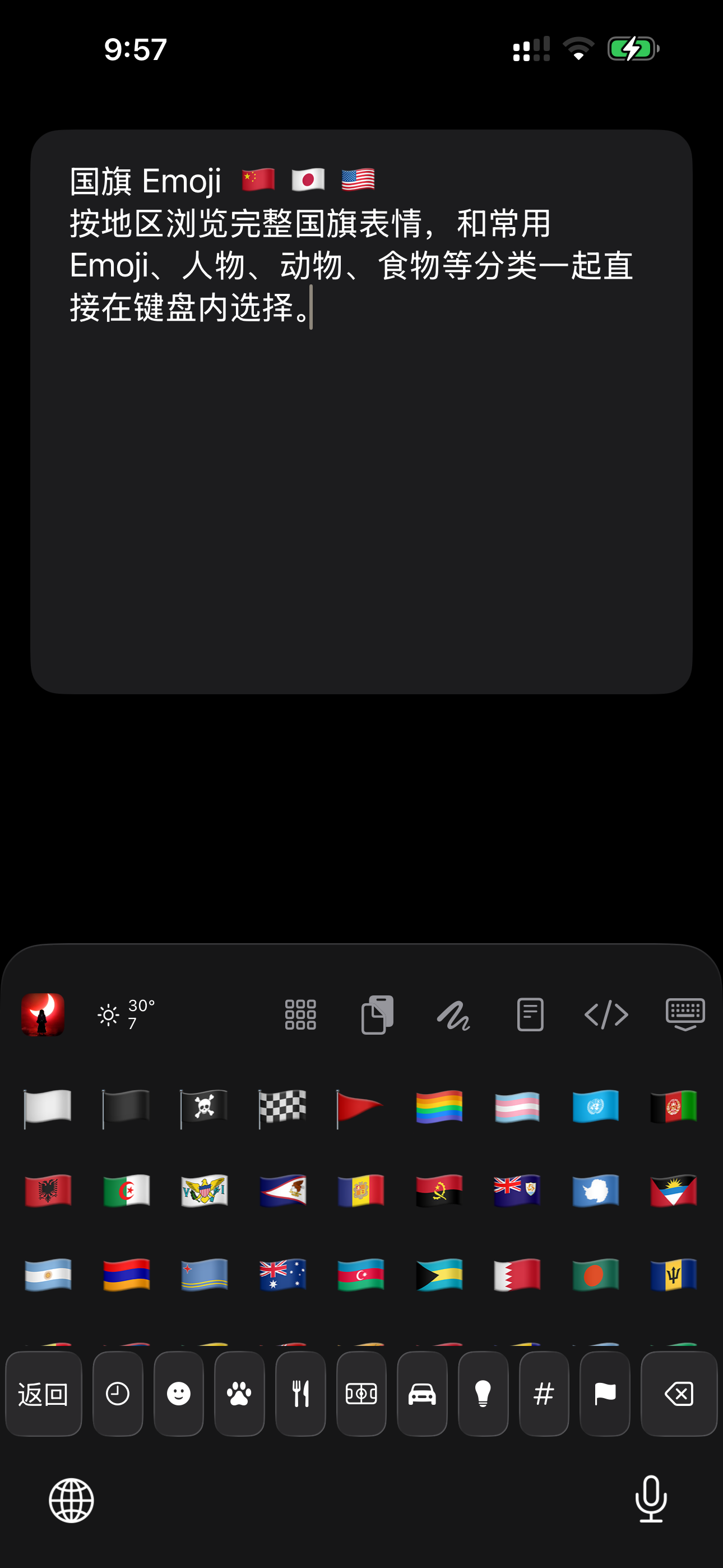
AI 入力
NanoMouse は入力が起きる場所に AI を置きます。自分で呼び出し、現在の文章を処理し、確認した結果だけを元の入力欄へ戻します。
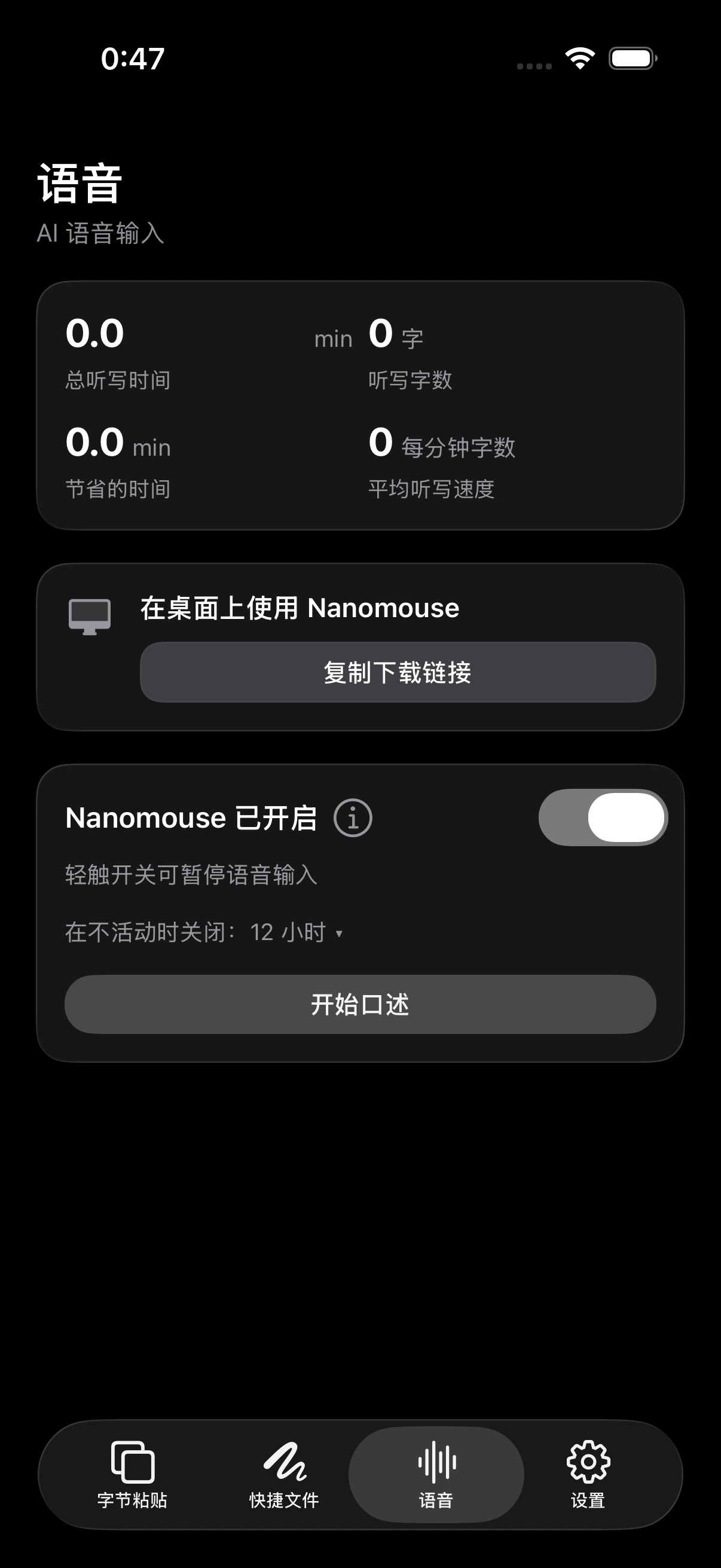
AI 音声下書き
Apple Speech、オフライン Whisper、オンライン ASR で音声を取得し、選択中のプリセットで口語、句読点、構成を整えます。
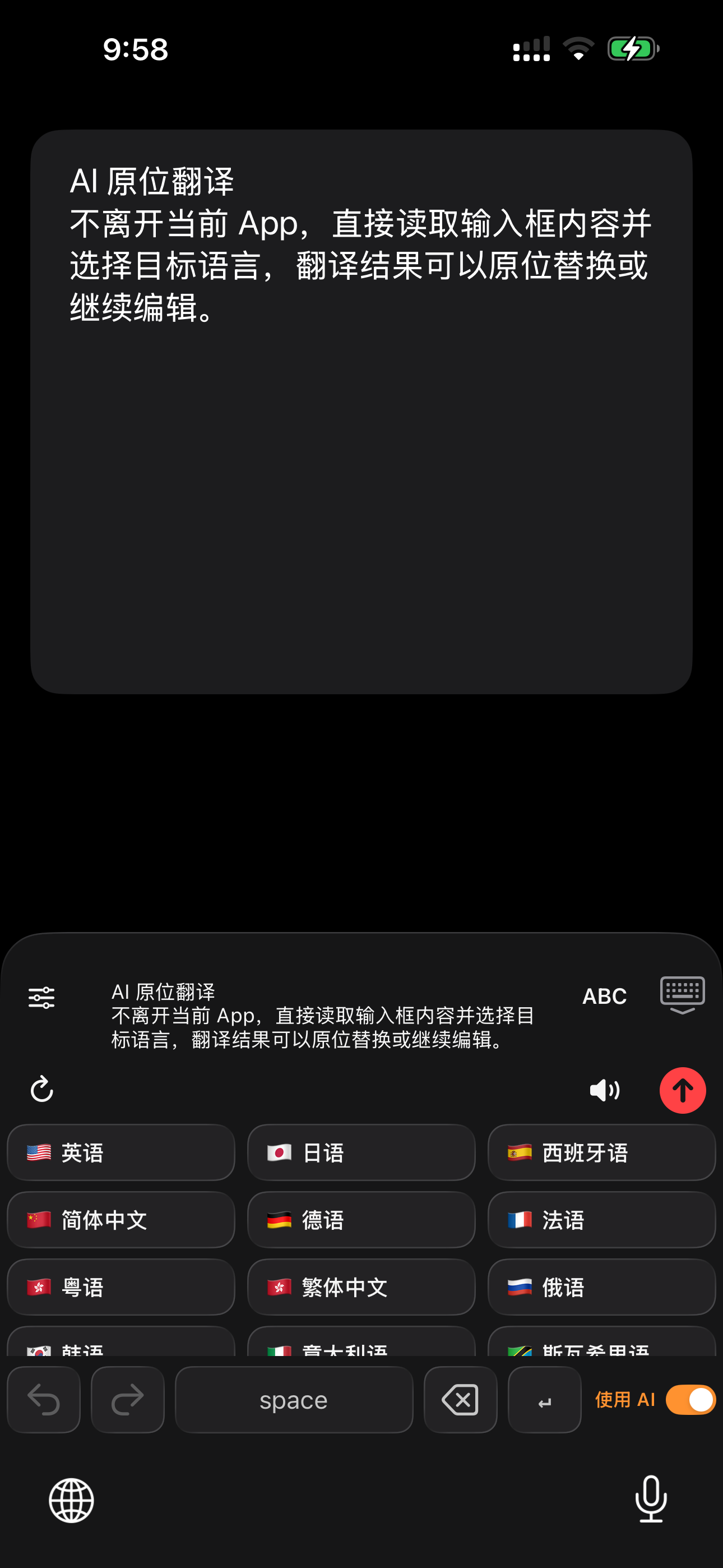
AI リライトと翻訳
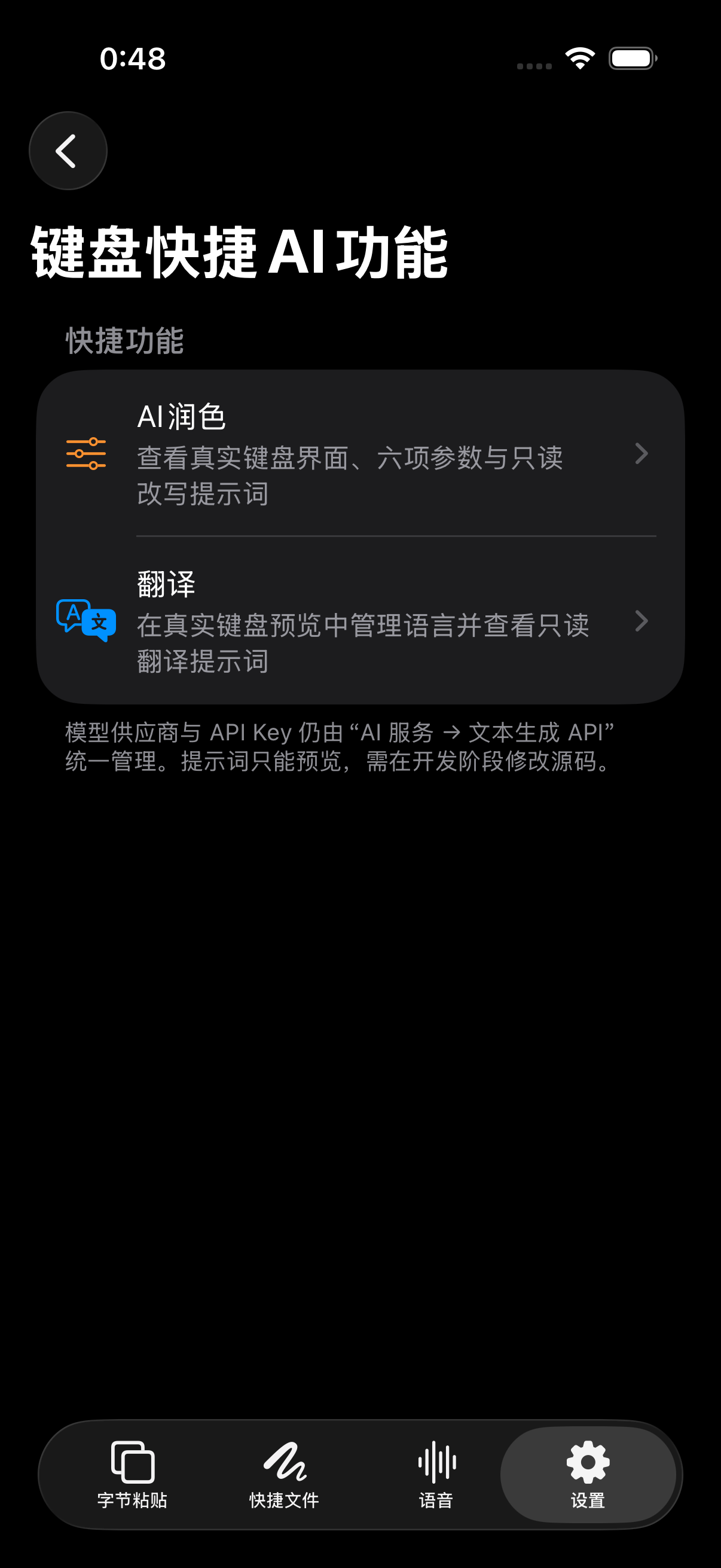
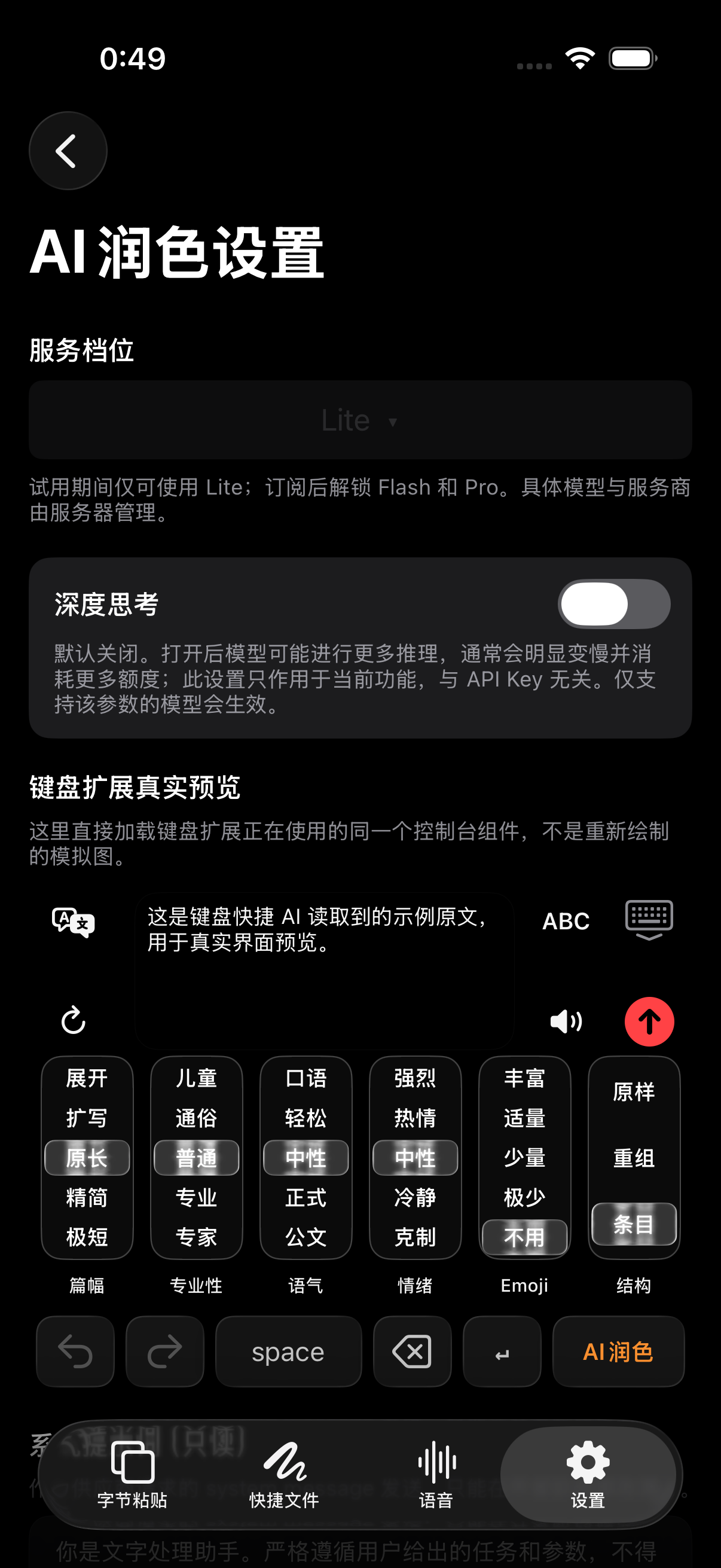
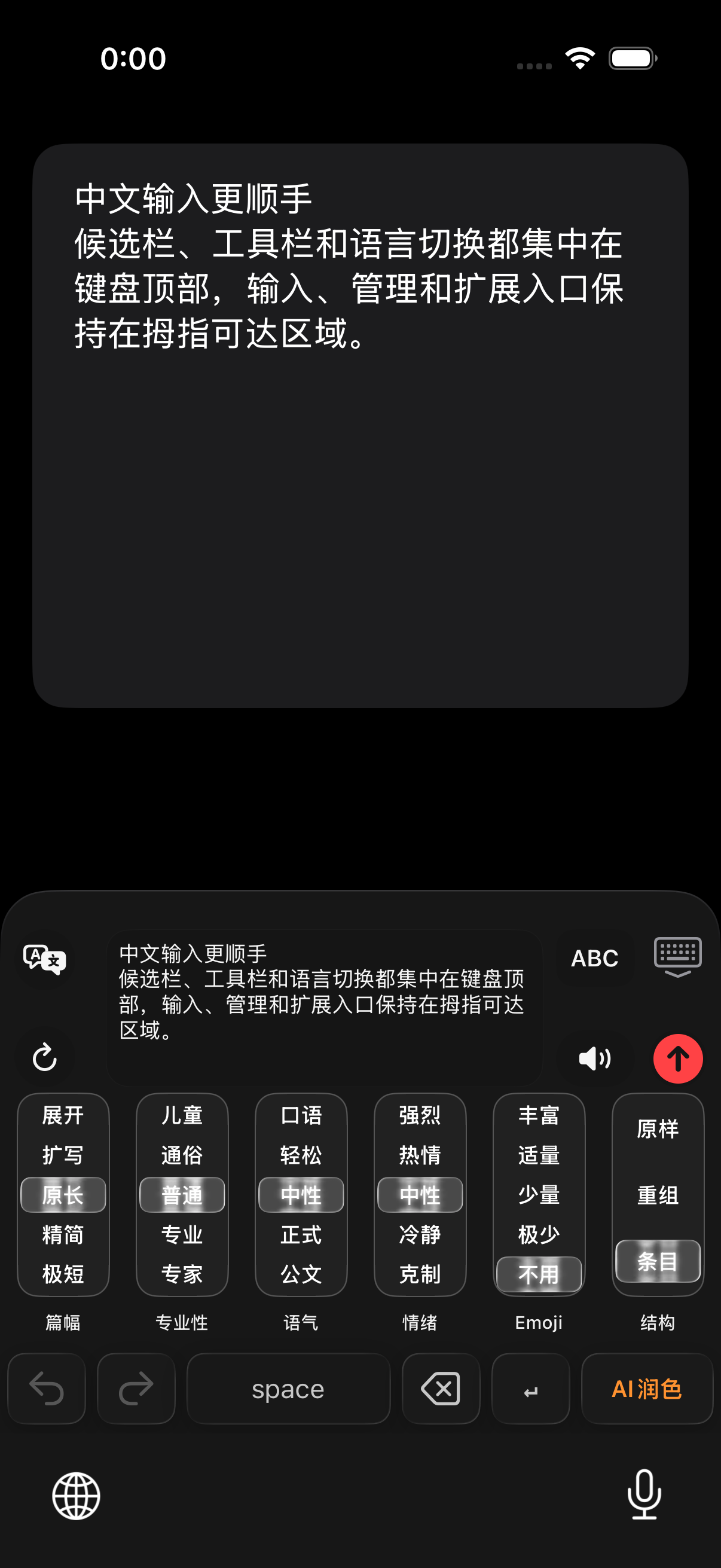
自分で選択した文章または現在の入力欄を読み取り、キーボード内でリライト、翻訳、プレビューし、確認後に元の位置へ置き換えます。
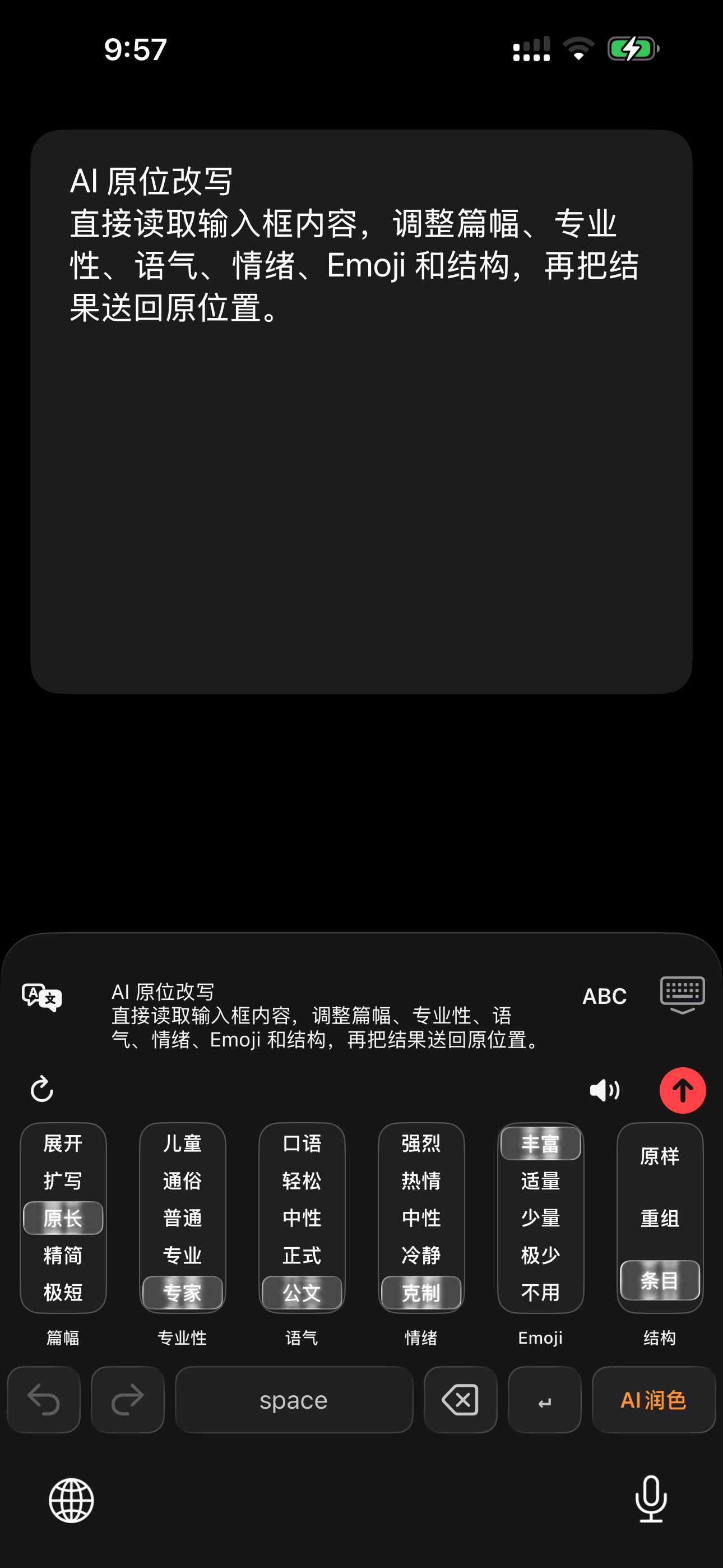
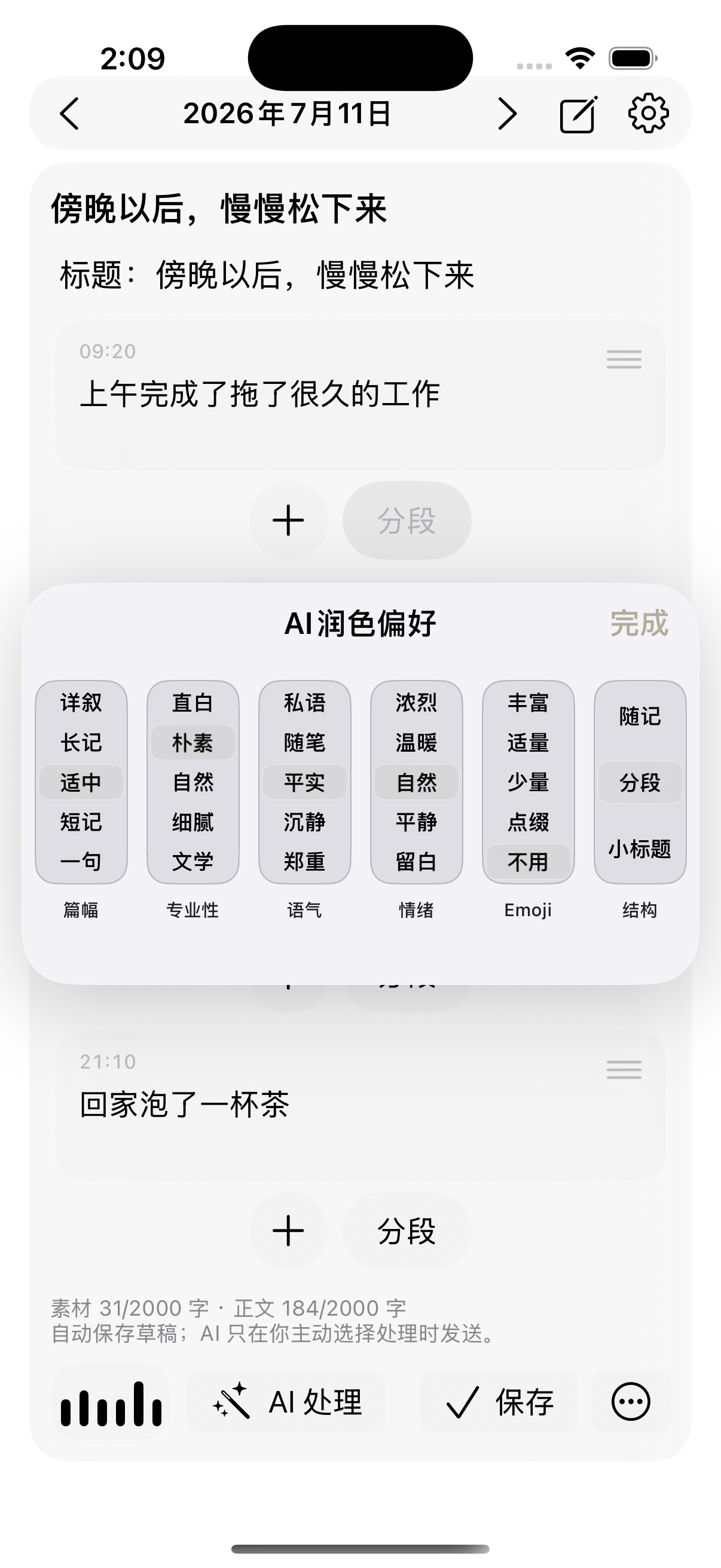
6 項目の文章制御
長さ、専門性、口調、感情、Emoji、構成を個別に調整し、チャット、メール、執筆、仕事の連絡に合わせられます。
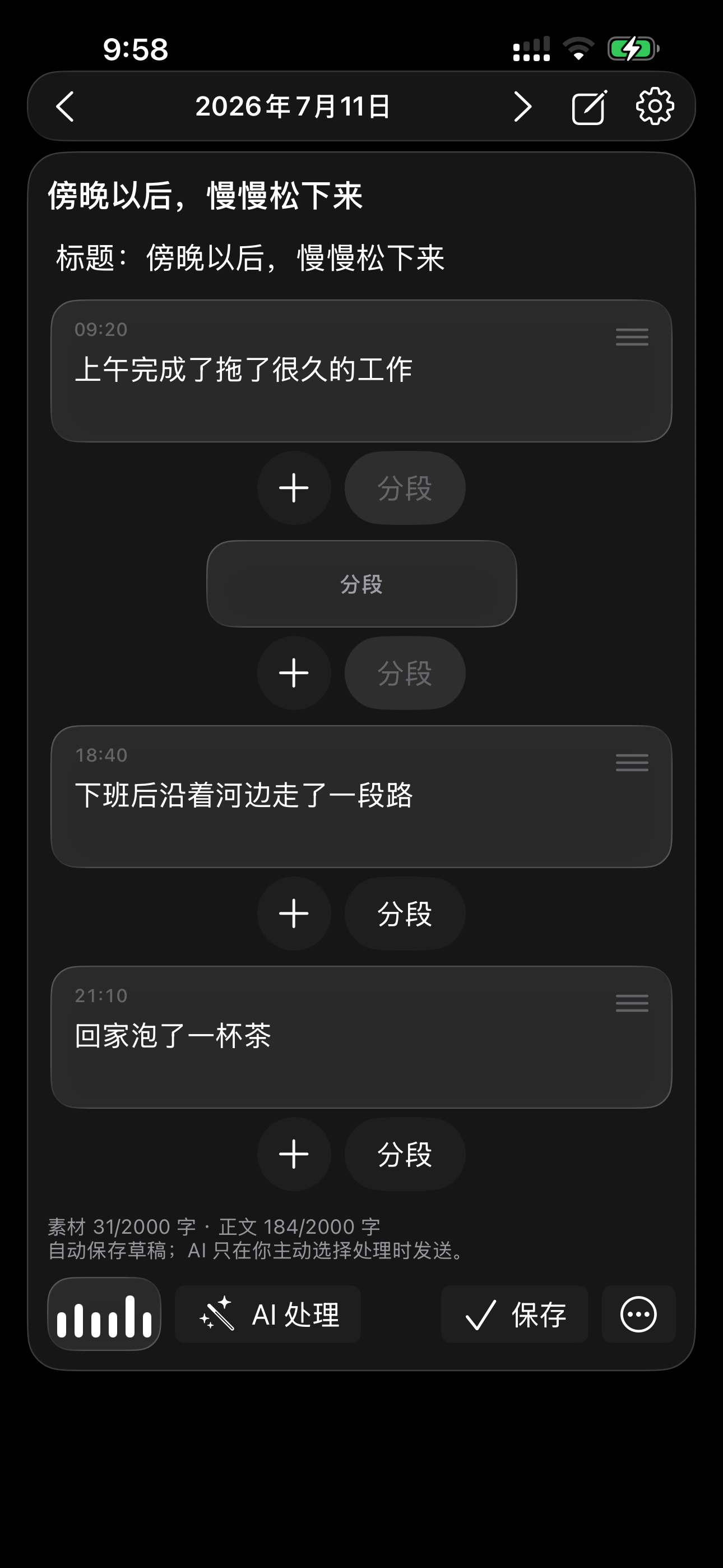
AI 日記と素材整理
一日の断片を時系列で保存し、選んだ長さ、口調、構成で日記や編集可能な下書きに整理します。
入力の基盤と個人コンテキスト
AI が理解と整理を担い、Rime が安定した入力を支え、バイトペーストが繰り返し使う素材を保存します。3 つが連続した文章作成フローになります。
Rime Ice 拼音、全拼、双拼、中国語 26 キーと 9 キー、簡体字/繁体字変換、中国語・日本語・英語の混在入力に対応します。
バイトペーストに定型文、Prompt、クリップボード、画像、PDF、Markdown、ファイルを保存し、キーボードから利用できます。
同じ iCloud アカウントの iPhone、iPad、Mac 間でバイトペースト内容と作成ファイルを同期します。
NanoMouse の方向性
バイトペースト、クリップボード、日記、チャット画像分析、相手のプロフィール、Markdown、キャンバスは個別の機能ではありません。保存・整理・再利用できる個人の入力素材です。NanoMouse は明示的な許可と見える操作で、これらを AI 文章作成へつなげていきます。
よくある質問
NanoMouse は iPhone と iPad 向けの AI キーボードです。Rime 中国語入力、AI 音声下書き、文章リライト、翻訳、個人素材の再利用を一つのキーボードフローにまとめます。
NanoMouse キーボードを有効にすると、サードパーティ製キーボードに対応するチャット、メール、メモ、オフィス、SNS App で使えます。セキュア入力欄では iOS の仕様によりシステムキーボードへ戻る場合があります。
通常の音声入力は主に音声を文字へ変換します。NanoMouse はさらに、プリセットに従って口語を整え、句読点を補い、表現を整理して、送信しやすい下書きにできます。
いいえ。Rime 入力はローカルで動作し、一部の音声認識やシステム翻訳は Apple または端末内の機能を利用できます。オンラインのリライト、翻訳、ASR が通信するかどうかは、自分で有効にした機能とサービス経路によります。
Rime を通じて中国語 26 キー、9 キー、全拼、双拼に対応します。26 キーでは音節区切りが A の左、改行が L の右にあり、連続変換と改行を行いやすくしています。